Free demo
Pre-releaseThe Littlelands demo, explained
About two hours, six areas and a Goblin Boss. Here is what the free Steam demo includes, what changed in October, and what it does not tell us about the full game.
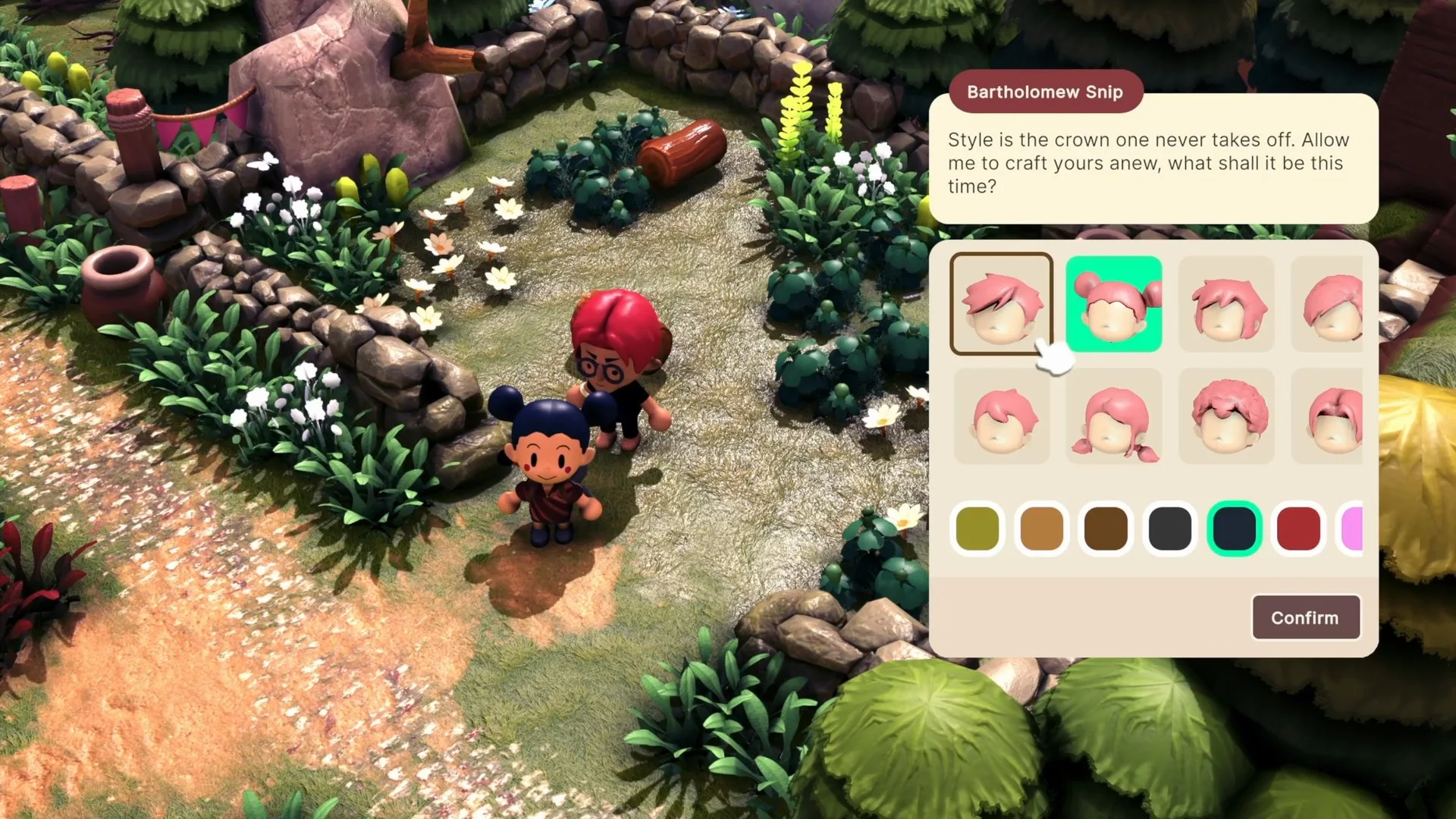
The free demo is a Windows PC download on Steam. Apogee describes it as roughly two hours, with six unique areas, more than 20 NPCs, multiple shops, unlockable tools and seven enemy types. It also includes a Goblin Boss fight. ↗
Hands-on players report that the story can be finished in about 90 minutes if you focus, or stretched much longer if you farm, fish, explore and chase side quests. ↗ Apogee says the updated demo will remain available after Steam Next Fest, so you are not racing a 24-hour window.
How to play the demo
- Open the Steam store page for Littlelands on a Windows PC.
- Use “Download Demo” on the store page. You do not need to buy the game to try the demo.
- Install and launch the demo from your Steam library.
- Pick a language — the updated demo supports English and Spanish.
- Change settings early — Focus Glow, camera auto-rotation and the FPS cap are all optional quality-of-life controls.
A Steam account and the Steam client are required because the demo is distributed through Steam. There is no standalone download listed by Apogee.
Demo saves
Apogee has not announced whether demo progress carries into Early Access. Treat your demo save as a preview, not a head start.
What is actually in the demo?
The table below separates the official demo scope from details that are only partly confirmed. “Not confirmed” means we could not verify it in the sources we reviewed — not that it is absent.
October 2026 update
What changed in the expanded demo
Apogee rebuilt parts of the demo after community feedback. These are the documented changes, not community wishlists.
01
Reworked combat
Lock onto enemies, circle a target and dodge incoming attacks. The Goblin Boss is the demo’s headline fight.
02
More character options
New hairstyles, eyes, facial cosmetics, clothes, hats and other customization options were added.
03
A minimap
A community-requested minimap makes towns, trails and the wider region easier to navigate.
04
Smoother controls and rebinding
Default controls were revised, and both gamepad and mouse-and-keyboard bindings can be changed.
05
Quality-of-life settings
Camera auto-rotation for mouse and keyboard, optional Focus Glow on interactable objects, and an FPS cap.
06
Spanish support
The updated demo can be played in English or Spanish.
Demo vs. Early Access
| Question | Demo | Early Access |
|---|---|---|
| Cost | Free | Price not announced |
| Platform | Windows PC / Steam | Windows PC / Steam |
| Content scope | ~2 hours, 6 areas | Full game in progress |
| Progress transfer | Not announced | Not announced |
| 1.0 content | No | No date |
This is a comparison of confirmed scope. It is not a promise that every demo system behaves the same in Early Access.
Track your run
18 itemsEighteen things worth trying, grouped by story, village, cozy life, combat and setup. The tracker saves only in your browser.
Open demo trackerGood first moves
- • Finish the tutorial before wandering.
- • Start Abuela Yaya’s berry quest.
- • Pick up the stick outside town.
- • Turn on Focus Glow if you miss pickups.
- • Try lock-on and dodge before the boss.
Is the demo the full game?
No. It is a limited demo with a clear ending and room for side activities afterward. A hands-on preview describes the story as finishable in about 90 relaxed minutes, with the option to keep cleaning up quests and life-sim activities. ↗
The demo does not answer the big long-term questions: how large the full world is, how progression works across the whole game, what the 1.0 price will be, or whether there will be more biomes and systems. Those are legitimate unknowns, not missing wiki diligence.
After the demo
If you want to keep going, the demo walkthrough covers a flexible route, the combat guide explains the Goblin Boss fight, and the release page tracks the Early Access launch. The items database collects the confirmed items and their known uses.
Sources & verification
Checked 2026-11-09Every claim on this page is traced to an official source, a named trade report, or a labeled hands-on preview. Pre-release details can change.
- Apogee Entertainment Releases Demo for Cozy Claymation-Like Adventure Sim Official
- Cozy Adventure Littlelands Launches into Steam Early Access November 16! Official
- Demo Out Now! Your Cozy Adventure Begins Official
- Demo Update Now Live! Community Feedback Changes Official
- Littlelands on Steam Official
- Littlelands Demo Impressions Hands-on
- Heading Out to Into the Adorable World in Littlelands Demo Hands-on
- Littlelands official press kit Official
Hands-on sources are third-party previews quoted for observation. This site has not independently playtested the game.