Beginner guide
Pre-releaseHow to start strong in Littlelands
A first-hour plan for the demo, built from confirmed systems and clearly labeled preview observations. No fake builds, no invented item stats.
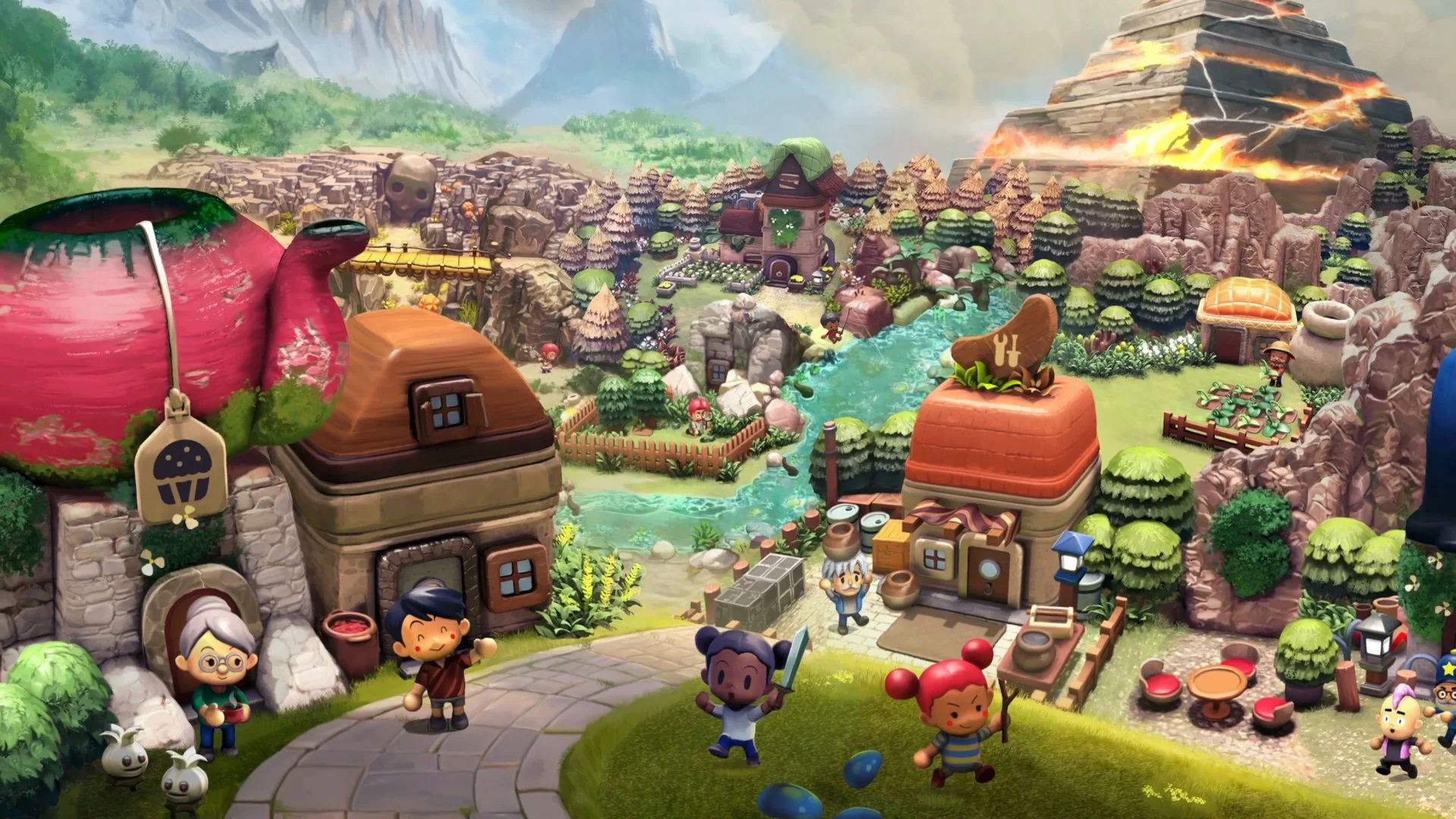
Scope: demo, not full release
This guide is based on the free demo and official pre-release material. The full Early Access game may change unlock order, prices, quests and systems. We label hands-on observations so you can tell them apart from official facts.
The 60-second version
- Follow the berry quest first. It gives the opening trip a destination.
- Grab the stick outside town. You can fight before you shop.
- Break jars. They can drop gems and health.
- Turn on Focus Glow. It makes interactables easier to spot.
- Try the cozy loop. Farming, fishing, bugs, cooking and digging are not side decorations.
- Do not rush the boss. Save, heal, lock on and dodge.
Your first hour, step by step
The demo is flexible, so this is a suggested route rather than a fixed quest order. It assumes you want to understand the systems without spoiling every discovery.
01
Finish the tutorial before you wander
The demo opens with a guided tutorial and a broken PC. Complete it before treating the map as an open sandbox; it establishes the controls, interaction prompts and the first quest.
02
Start Abuela Yaya’s berry quest
Abuela Yaya asks you to visit Stuart Farmer for a Giant Wandia Berry. This is the clearest early objective in official material and gives your first trip a purpose.
03
Pick up the stick outside town
A hands-on preview found a hefty stick just outside the village that works as an early weapon. You do not need to wait for a shop to start defending yourself.
04
Break pottery jars when you see them
Jars can contain gems and health, according to a hands-on preview. The shattering is also a quick way to top up before a fight.
05
Turn on Focus Glow and check the minimap
Focus Glow highlights interactable objects, and the October demo added a minimap. Both reduce the chance of walking past a plant, jar or path.
06
07
Ten tips that actually matter
Tip 01
Wave at someone once a day
Hardcore Gamer reports that the wave emote raises friendship once per day. It is a small habit with no combat cost.
Tip 02
Read the quest journal
A hands-on preview describes a journal with detailed quest descriptions and completion states. Use it instead of trying to remember every villager request.
Tip 03
Use lock-on in every real fight
The updated combat lets you lock onto an enemy, circle it and dodge. Fighting without lock-on is possible, but the camera and spacing are harder to manage.
Tip 04
Spend a session on the farm
Restoring the farm and growing crops is part of the demo. It is also one of the clearest examples of the “play at your own pace" pitch.
Tip 05
Take fossils and minerals to the museum
The 2024 overview and a hands-on preview both connect digging to the museum. If a fossil does not look useful, it probably has a display purpose.
Tip 06
Trade flora and fauna at the Flower Shop
Official 2024 material says exotic flora and fauna can be traded at the Flower Shop. Hold on to duplicates instead of ignoring them.
Tip 07
Check shop stock more than once
Tila Patch’s dialogue says “these are the goodies I’ve got today," which implies changing stock. The exact reset schedule is not confirmed, so check back when you pass through.
Tip 08
Do not ignore cooking
Cooking is a listed activity and the official pitch mentions crafting dishes. No recipe list is published yet, but it is part of the intended loop.
Tip 09
Use the settings, not just the controls
Camera auto-rotation, Focus Glow and an FPS cap are all official options. They can make the demo more comfortable without changing the game.
Tip 10
Do not treat the demo as a checklist race
The story can be finished in roughly 90 minutes, but the demo leaves room for side quests and cozy activities. Rushing to the boss skips the point of the game.
Common mistakes
- Buying clothes before checking your needs. The shop prices are high relative to the 80-gem balance in the official screenshot. Keep some gems for upgrades.
- Fighting the boss without lock-on. The October update added lock-on and dodging for a reason. Use them.
- Ignoring the journal. Quest details and completion states are easy to lose track of once several villagers ask for help.
- Skipping the farm because it looks optional. The official pitch treats it as a core part of the experience, not a minigame.
- Assuming demo saves transfer. Apogee has not said they do.
What to do after the first hour
Once the berry quest and the basic tools are open, the demo becomes a small sandbox. Pick one thread: clear the Goblin Boss, finish village requests, fill the museum, or build out the farm. The demo walkthrough covers the main route; the items database explains what the confirmed collectibles are for.
If you are still deciding whether to buy Early Access, use the demo to test the two things that matter most: whether you enjoy the combat, and whether the cozy loop holds your attention after the quests slow down.
Sources & verification
Checked 2026-11-09Every claim on this page is traced to an official source, a named trade report, or a labeled hands-on preview. Pre-release details can change.
- Littlelands official press kit Official
- Cozy Adventure Littlelands Launches into Steam Early Access November 16! Official
- Apogee Entertainment Releases Demo for Cozy Claymation-Like Adventure Sim Official
- Littlelands on Steam Official
- A Sneak Peak Into Littlelands Official
- Demo Update Now Live! Community Feedback Changes Official
- Littlelands Demo Impressions Hands-on
- Heading Out to Into the Adorable World in Littlelands Demo Hands-on
Hands-on sources are third-party previews quoted for observation. This site has not independently playtested the game.